
How to Create and Sell Your Own Online Course (Step-by-Step)

System Admin
Writer
Google Ad Slot: post-top
INTRODUCTION
You've probably thought about it. "I should just make a course about this."
Maybe it's something you're really good at. Something you've learned the hard way and could help others shortcut. Something people keep asking you to explain.
Here's the thing: that thought isn't vanity. It's a legitimate business signal.
Online courses are a multi-billion dollar industry, and the most successful ones weren't built by academics or corporate trainers. They were built by regular people who knew something specific and packaged it in a way that helped others achieve a result.
This is the step-by-step guide to doing exactly that.
STEP 1: VALIDATE YOUR COURSE IDEA BEFORE YOU BUILD ANYTHING
The biggest mistake course creators make is building first and validating later.
Before you record a single video, make sure people want what you're building.
Validation methods:
-
ASK YOUR EXISTING AUDIENCE If you have any followers, email subscribers, or even just active contacts — ask them directly. "I'm thinking of creating a course on [topic]. Would you buy it? What would you want it to cover?" The responses will surprise you.
-
CHECK WHAT'S ALREADY SELLING Search Udemy, Skillshare, Gumroad, and Teachable in your topic area. Are there courses with lots of reviews? Good. That means there's a market. Look at the reviews and find gaps — things people wished the course covered. That gap is your product angle.
-
BUILD A WAITLIST BEFORE YOU BUILD Create a simple landing page with a waitlist form. Tell people "I'm creating a course on [topic] — join the waitlist for early access and a discount." If people sign up, you have a real signal.
-
PRE-SELL IT If you're confident in your topic, sell the course before it exists. Set a launch date, offer a "founder" discount (20–30% off), and only build if you get pre-sales. This is the most powerful validation method.
STEP 2: DESIGN YOUR CURRICULUM
Once validated, design the curriculum — the roadmap your student will follow.
Great course curriculum principles: → Every module builds on the previous one → The student should be able to DO something after each lesson → Start with a win (make your first lesson achievable and satisfying) → Focus on transformation, not information
Curriculum framework: Module 1: Foundation — where your student is now and what's possible Module 2–3: Core skills/knowledge — the most important concepts Module 4–5: Application — doing the thing you're teaching Module 6: Advanced / Next steps — what comes after
Use AI to help: Prompt (Claude): "I'm creating an online course about [topic] for [audience]. Create a full curriculum outline with 6 modules, 3–5 lessons per module, and a brief description of what each lesson covers and the student outcome."
Aim for completeness without bloat. Students don't want 30 hours of content — they want the most direct path to the result they paid for.
STEP 3: RECORD YOUR LESSONS
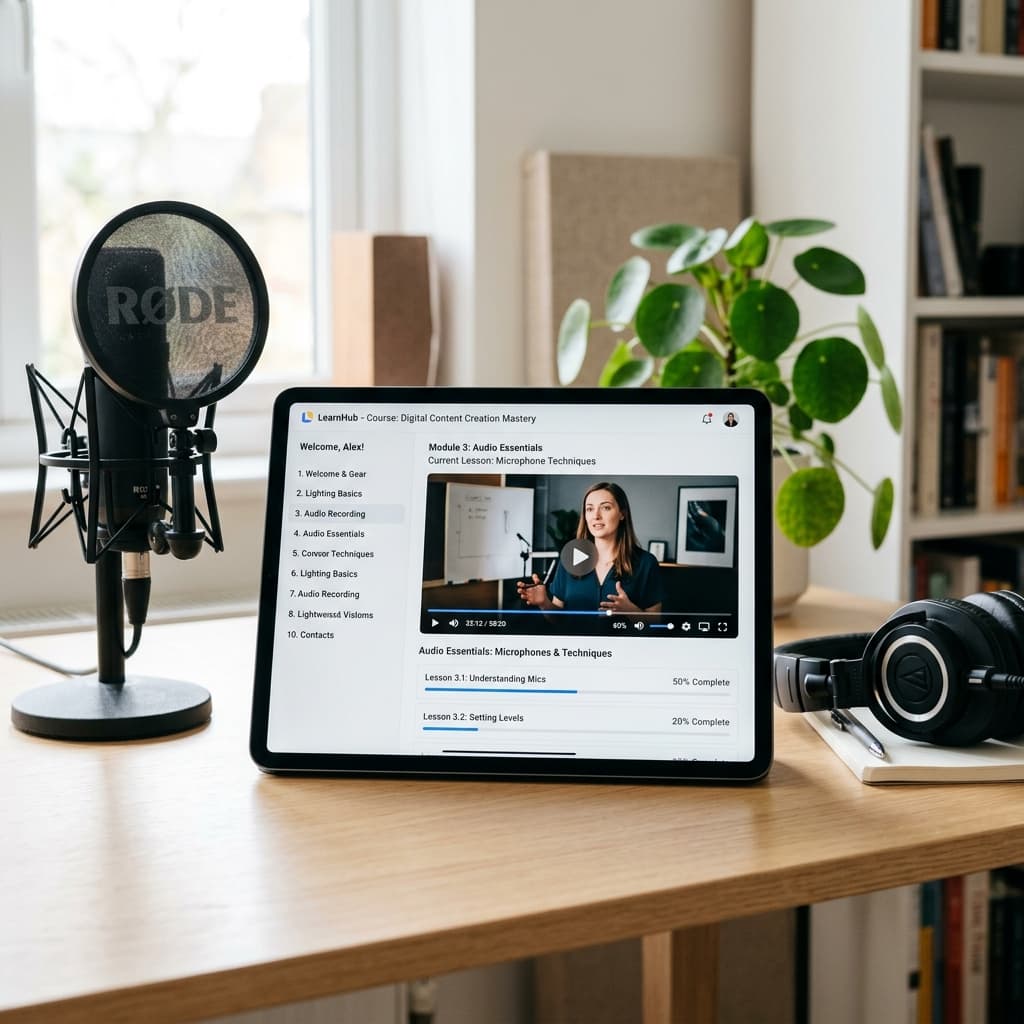
Equipment you actually need: ✓ A decent laptop or webcam (even an iPhone works) ✓ Good lighting (natural light from a window or a $30 ring light) ✓ A USB microphone or wired headphones (audio > video quality always) ✓ A quiet room
Tools: • Loom — free screen recording + camera overlay, incredibly easy • OBS Studio — free, more control, slightly higher learning curve • iPhone front camera — surprisingly good for talking-head lessons
Recording tips: → Write a loose script or bullet point outline for each lesson → Keep lessons 5–15 minutes (shorter is usually better) → Talk conversationally — like explaining to a smart friend → Don't aim for perfection. Aim for clarity. Reshoot if you stumble badly, but minor imperfections are completely fine and actually build trust.
AI editing help: → Use Descript to remove filler words ("um," "uh," "like") automatically → Use AI captions for accessibility (Descript, Kapwing, or Opus Clip) → Use ElevenLabs if you want AI voiceover instead of on-camera recording
STEP 4: CHOOSE YOUR PLATFORM
Where you host and sell your course determines your student experience and your take-home revenue.
Option 1 — Gumroad (Simplest) Best for: Your very first course, simple delivery Features: Video hosting, download delivery, payment processing Revenue: You keep 90%+ of each sale Price: Free to start
Option 2 — Teachable Best for: Courses with multiple modules, certificates, community Features: Full course builder, student management, quizzes, certificates Revenue: You keep 90%+ (paid plans) Price: From $39/month
Option 3 — Podia Best for: Courses + digital products + email list in one place Features: All-in-one creator platform Revenue: Keep 100% of sales on paid plans Price: From $33/month
Option 4 — Skool Best for: Community-driven courses, memberships Features: Integrated community forum + course player Revenue: Keep 100% (Stripe direct payments) Price: $99/month flat rate
Option 5 — Your Own Website Best for: Full control, established brand Features: Full customization, direct customer relationship Revenue: Keep 100% Setup: Requires more technical work (WordPress + MemberPress or Kajabi)
Recommendation: Start with Gumroad or Teachable. When you hit $1,000/month in course revenue, evaluate moving to a platform with more features.
STEP 5: PRICE YOUR COURSE
Course pricing strategy:
Mini Course (3–5 modules): $47 – $97 Standard Course (6–10 modules): $97 – $197 Comprehensive Course (10+ modules)/$197 – $497 Premium / Coaching Included: $497 – $1,500+
Don't undercharge. Here's why: A $47 course doesn't feel valuable to a student. A $197 course gets attention, gets implemented, and gets results — which means better reviews and word-of-mouth.
The goal isn't the largest number of sales. It's the most transformative experience for the right number of students.
Pricing psychology tip: Anchor your price. Show the full value before the discount. "Regular price: $297. Launch price: $97." The comparison makes $97 feel like a steal.
STEP 6: LAUNCH AND MARKET YOUR COURSE
Your launch strategy:
PRE-LAUNCH (2 weeks before): → Build your waitlist (email collection page) → Create 5–7 pieces of teaser content for social media → Write 3 emails: Announcement, reminder, open cart
LAUNCH WEEK: Day 1: Open cart with launch discount ("Doors are open!") Day 2: Share behind-the-scenes content Day 3: Answer FAQs, share a testimonial or preview Day 4: Email reminder — discount ending soon Day 5–6: Last call push ("48 hours left at this price") Day 7: Cart close or price increase
ONGOING: → Blog posts and YouTube content related to the course topic → Social media content that gives away value and leads to the course → Email newsletter featuring student results → Referral or affiliate program for existing students
FINAL THOUGHTS
Creating an online course is one of the most rewarding things you can do as a creator or entrepreneur. You're packaging your hard-won knowledge and helping people get results they might never achieve otherwise.
The technology has never been simpler. The market has never been larger. The tools (especially AI for content and production) have never been more powerful.
What's stopping you from starting today?
At Mind Frame Agency, we teach course creation as part of our AI for Creators curriculum. If you want the full framework with video walkthroughs, community support, and our own course launch templates — check out our programs.
Your knowledge is your product. Time to package it.
================================================================================ CALL TO ACTION
→ Want the full course creation framework? Check out our AI for Creators program in the Mind Frame Agency shop.
→ Already creating your course? Tell us your topic in the comments — we'll give you feedback!
Google Ad Slot: post-bottom
About the Author
System Admin
Discussion0
Continue reading